
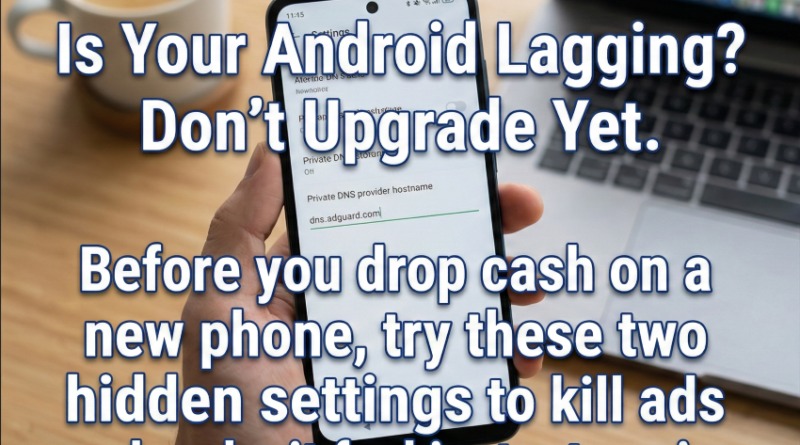
Don’t Buy a New Phone Yet. Change These Two Settings First.
We’ve all been there. You pull out your phone to do something simple – maybe check a notification or look up a quick fact – and before you can even tap the screen, a full-page ad jumps out at you. You close it, misclick, and suddenly you’re on the Google Play Store downloading some candy game or some cheaply rated garbage that you never asked for.
It’s infuriating. After a few months of this, the phone starts feeling heavy. Sluggish. You press the back button, and there’s a half-second pause before anything happens. Naturally, you assume the hardware is dying. You think, “Maybe I need more RAM,” or “Maybe this processor is just too old for 2026 updates.”
That’s usually the moment you start browsing Flipkar and Amazon for an upgrade. (Udhar bhi prices higher side hi hai abhi )
But here is the truth: Your phone is probably fine. The hardware isn’t broken; it’s just being choked by two very annoying default behaviors: intrusive ad-loading and artificially slow animations.
Before you drop money on a new device, try these two “zero-cost” fixes. They take five minutes, and they genuinely make a two-year-old Android feel brand new.
1. The AdGuard Trick (Stop the Background Battery Drain)
Ads aren’t just visual clutter; they are resource hogs. Even when you aren’t looking at them, apps are constantly pinging servers in the background, downloading video assets, and tracking your data. This eats your battery and clogs up your bandwidth.
The fix isn’t an antivirus app (which usually slows things down more). The fix is Private DNS.
Think of this as a bouncer for your phone’s internet connection. It looks at the incoming traffic, sees the ad servers, and blocks them at the door before they can even load.
How to do it:
Go to your phone’s Settings.
Search for Private DNS (usually under Network & Internet).
Select Private DNS provider hostname.
Type this in exactly:
dns.adguard.comHit Save.
That’s it. You don’t need to download anything. Suddenly, apps that used to be flooded with banners are clean. Websites load faster because they aren’t trying to load ten different tracking scripts. Your phone takes a deep breath and actually focuses on your tasks.
2. The 0.5x Speed Hack (Cut the Fake Lag)
This is the oldest trick in the Android book, but it’s still the most effective.
By default, Android uses animations to make transitions look “smooth.” When you open an app, it doesn’t just pop up; it zooms in. When you go back, it slides away. These animations take time -usually about 1 second.
Over hundreds of interactions a day, those seconds add up to a feeling of “sluggishness.” If you cut that time in half, the phone feels instantly snappier.
How to do it:
Go to Settings > About Phone.
Find the Build Number and tap it 7 times rapidly. (You’ll see a toast message say “You are now a developer or in developer mode”)
Go back to the main Settings menu and find Developer Options (often under System or advance settings).
Scroll down until you find the Drawing section. Look for these three scales:
Window animation scale
Transition animation scale
Animator duration scale
Change all three from 1x to .5x.
Do not turn them off completely – that makes the UI look glitchy. But at .5x, the animations are still there, just twice as fast. The result? You tap an app, and it’s open. You swipe home, and you’re there. It makes the UI feel “sharp” rather than “floaty.”
Phone manufacturers and carriers don’t really want you to know this stuff. They benefit from the ads, and they benefit when you get frustrated enough to upgrade.
But unless your screen is cracked or your battery physically won’t hold a charge, you probably don’t need a new phone. You just need to take control of the one you have. Try these settings for a day – you’ll be surprised how capable your old device actually is.
Pingback: Android Notification Settings Guide: Stop Zomato, Flipkart & Bank Spam (Keep OTPs)